
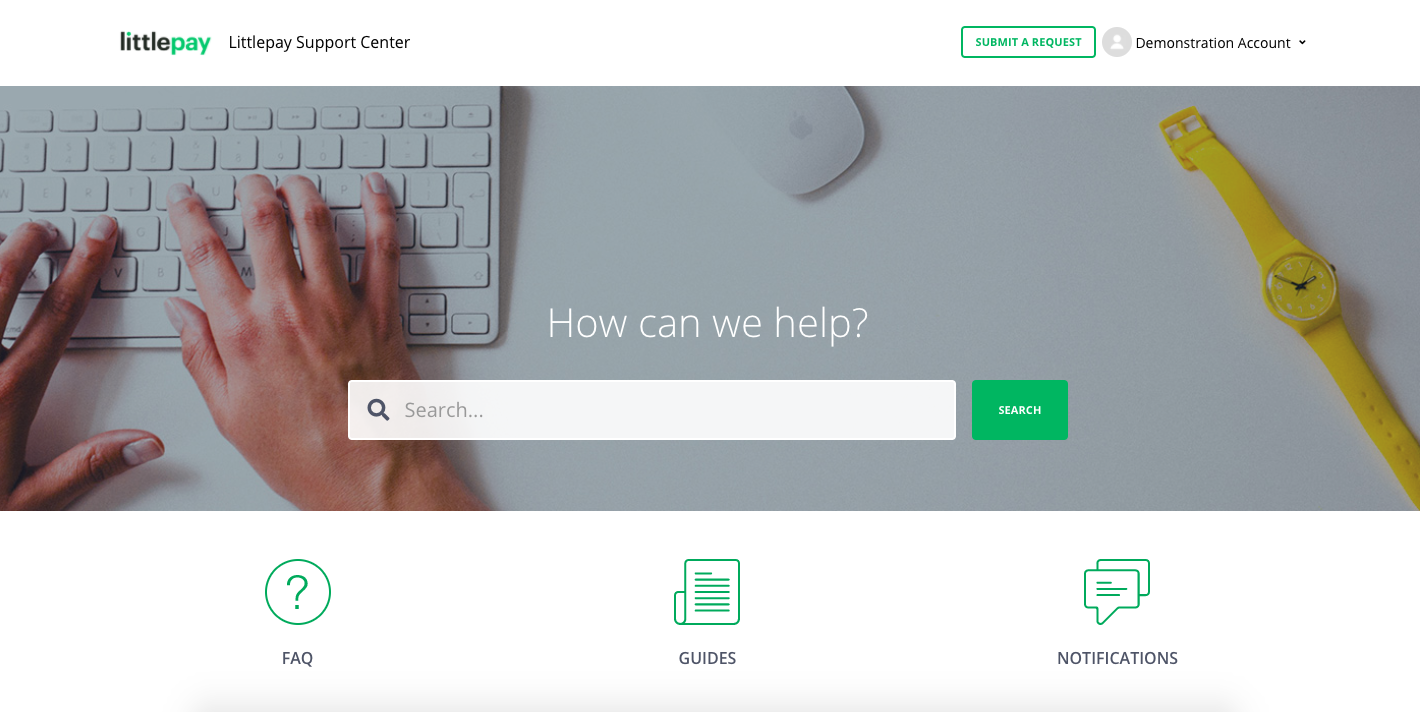
Littlepay Support Centre Home page
When a user has logged into the Support Centre, they will be allowed to access different sections. This includes:
- FAQs
- User guides
- Notifications
- Release notes
- Submitting a Support Ticket
- Looking up open and closed tickets
Each of these functions will be made available to each user account.
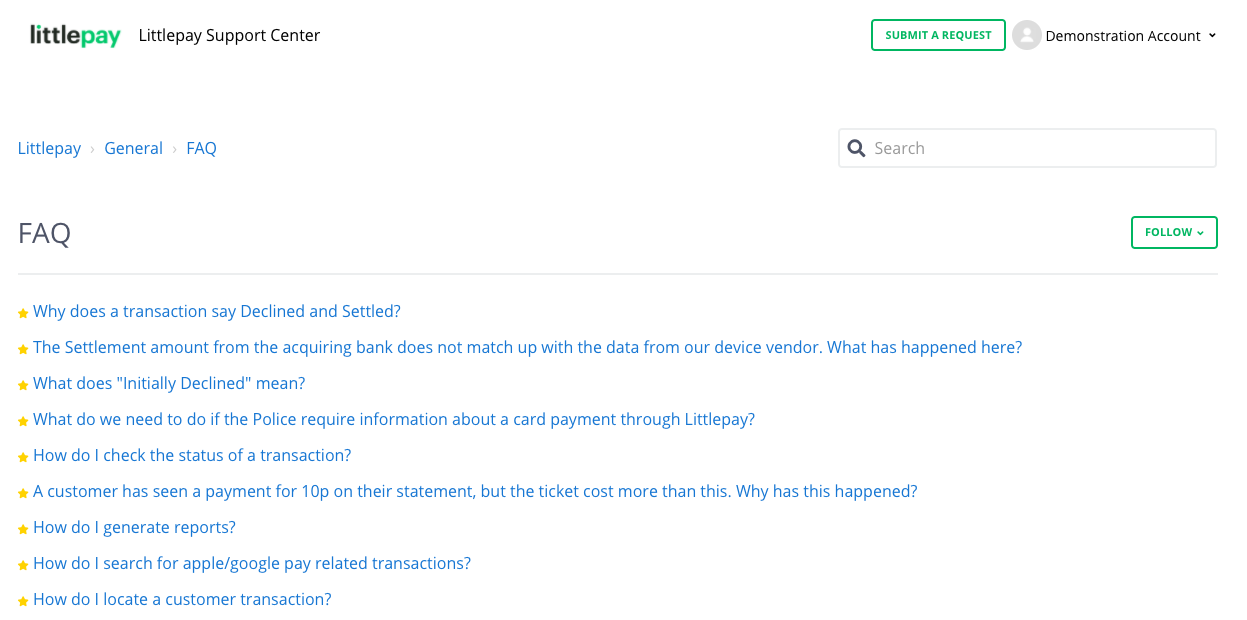
User Guides & FAQs
The Littlepay Support Centre home page has been designed to help you get answers to your queries without the need to raise them with us.
If you have any questions regarding the merchant portal, or how transactions are processed, please check the User Guides and list of FAQs first to find answers to any questions. If you don't find your answers there, then please raise a request with us.
Submit and View Tickets
One of the main functions of the Support Center is to allow users to create tickets for any issue or question and track the progress of these tickets to their conclusion.
To submit a ticket to the Littlepay team, a user can click on the Submit A Request button in the top right corner of the screen, next to their name.
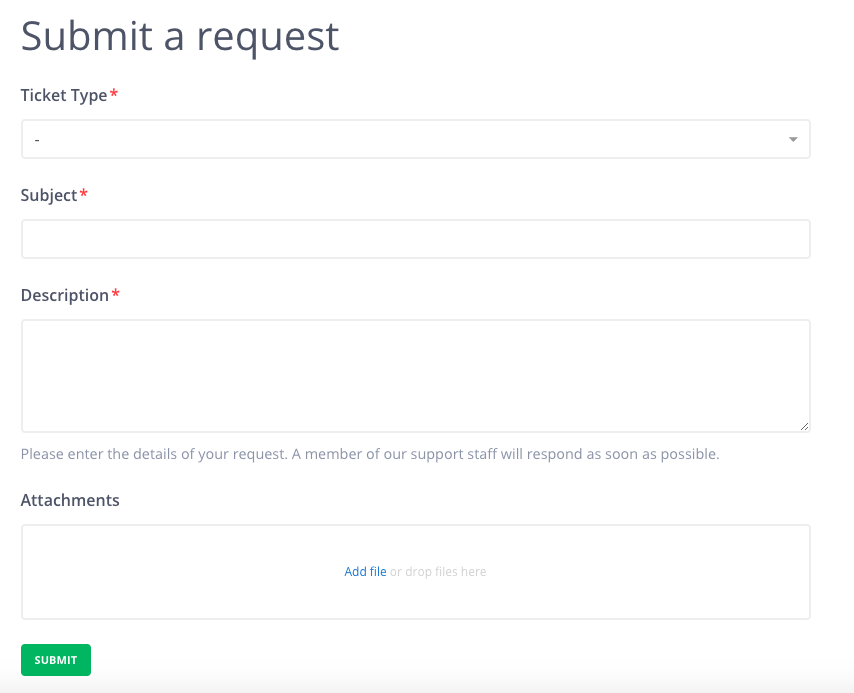
From here the user will be able to fill out all the details required to create a new ticket, including the Ticket Type, Subject, Description, and attach any evidence which might be beneficial for the Littlepay Support team to investigate.
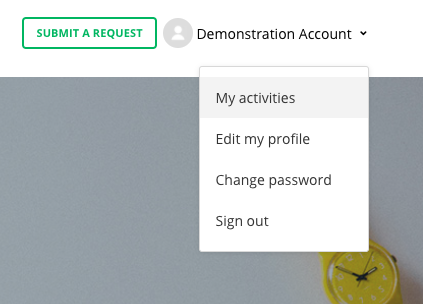
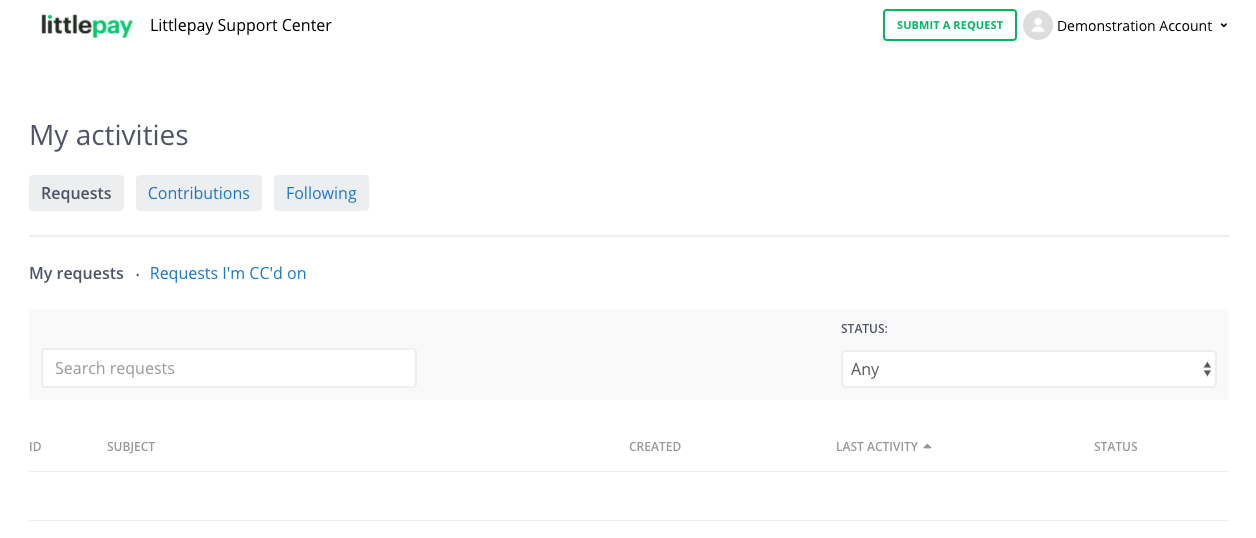
In the below screenshot, a user will be able to personalise their account in the drop-down menu. By clicking on My Activities, they will also be able to view all open and closed tickets they have raised with Littlepay. If they have been granted permission, they will also be able to view all tickets for their organisation.
When submitting a request, the following options will need to be completed
Ticket Type
The Ticket Type field has the following options
- Incident - An incident as ‘an unplanned interruption to an IT service or reduction in the quality of an IT service. In simple terms, there is a potential issue that needs to be fixed. An example of this type of ticket would be if the merchant portal is not working correctly.
- Question - A user requires more information about a transaction to help answer a customer query.
- Service Request/Task - A new user account is required for the Merchant Portal
Subject
This will be the subject of the ticket. For example, Debt Recovery, Refunds, User accounts etc.
Description
This is where the user enters all the details they have to help the Littlepay Team to investigate. Please make sure to enter as much information here as possible.
My Activities
From the drop-down list next to the user's name in the top right corner, they can click on My activities, which will take them to a full history of their tickets, and also display tickets from other users in their organisation provided access has been granted.
Home Page Search
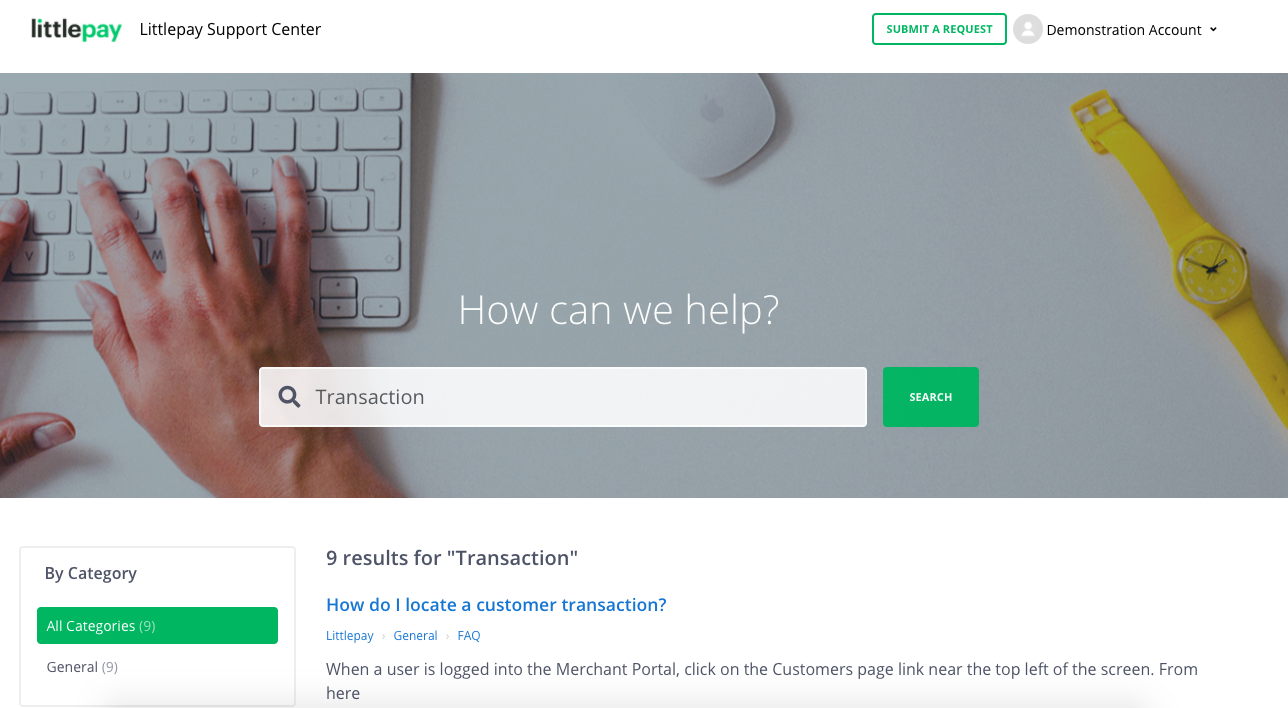
Also on the Home Page of the portal, a user can use the search function to help find any information they might be looking for. This will search the whole support centre and find any matching articles or guides to help answer their queries. If they are still unable to find the answer they are looking for, please submit a ticket request to the Littlepay Operations Team and they will look into this.
We will continue to improve the support centre by adding more FAQs and other useful articles there. Please leave a comment, if you find any articles useful, or simply have feedback for us to help us improve.
Comments
Please sign in to leave a comment.